Put Bible passages in the plan
Find a verse by reference or by its words, then add it to the plan, or paste every reference from the sermon notes at once.
Before you start
- Download or import a Bible in Settings → Bible.
Search for the passage
In the Bible tab, type a reference such as John 3:16, or a few words of the verse, and press Enter.

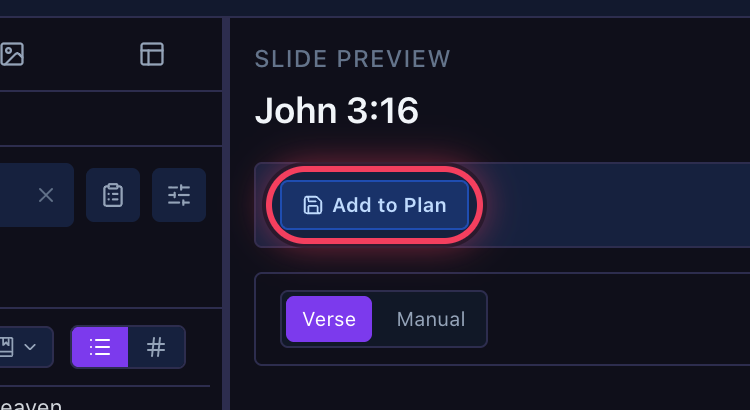
Click Add to Plan
Add to Plan, above the slides, adds the passage to the open plan, at the end of the selected section.
Or paste the sermon's references
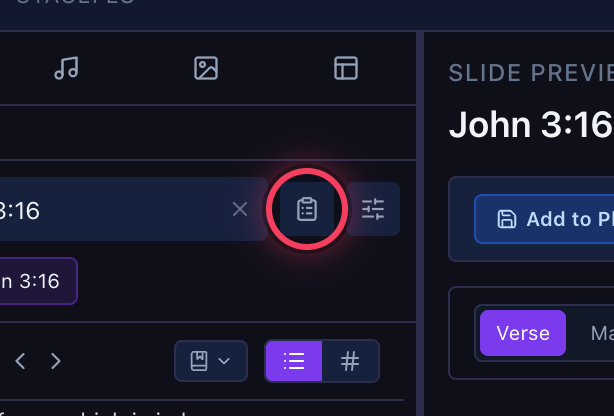
The clipboard button beside the search box takes a whole list at once.
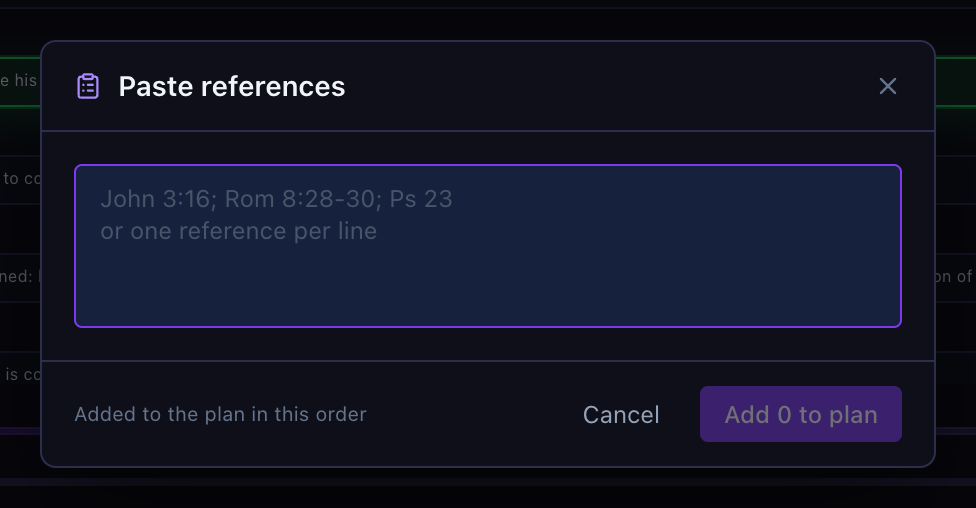
Paste and add them all
Paste references such as John 3:16; Rom 8:28-30; Ps 23, or one per line, and click Add … to plan (it counts them). They go in the order you pasted them.