Keep time, and send a note to the stage
Timers show on the stage screen so the preacher and band can see the time. A stage message is a short note to the stage the congregation never sees.
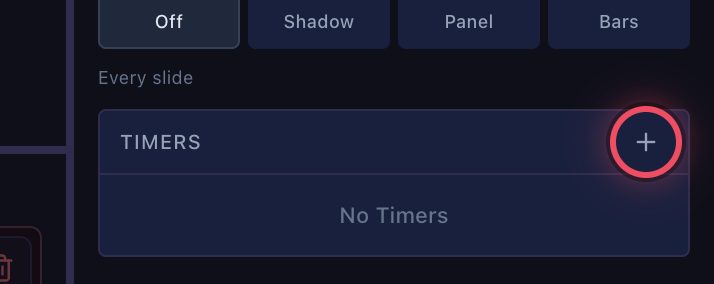
Click + under Timers
In the preview panel on the right, click + next to Timers.
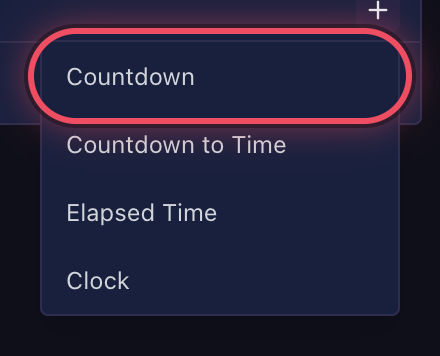
Choose the kind of timer
Countdown (a set length), Countdown to Time (until a time of day, such as 10:30), Elapsed Time or Clock.
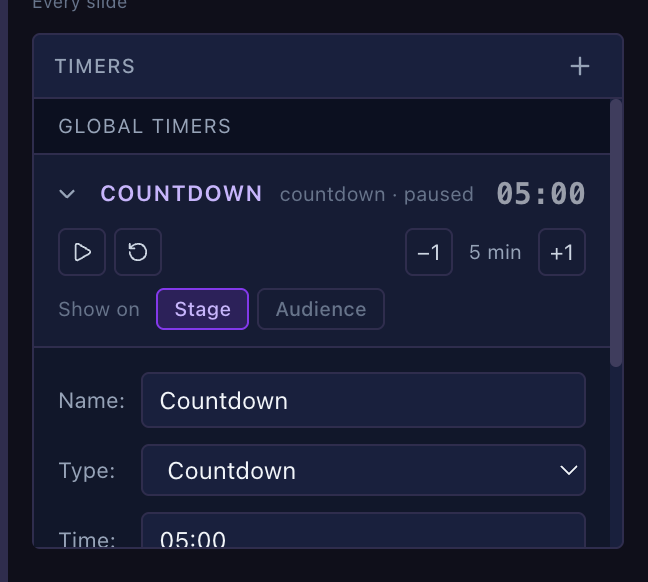
Set it and start it
Open the timer to set its name and time. ▶ starts it, −1 / +1 change it by a minute, and Show on picks Stage, Audience or both.
 A section with a planned time has its own timer while the service is in it. See Run the service from the plan.
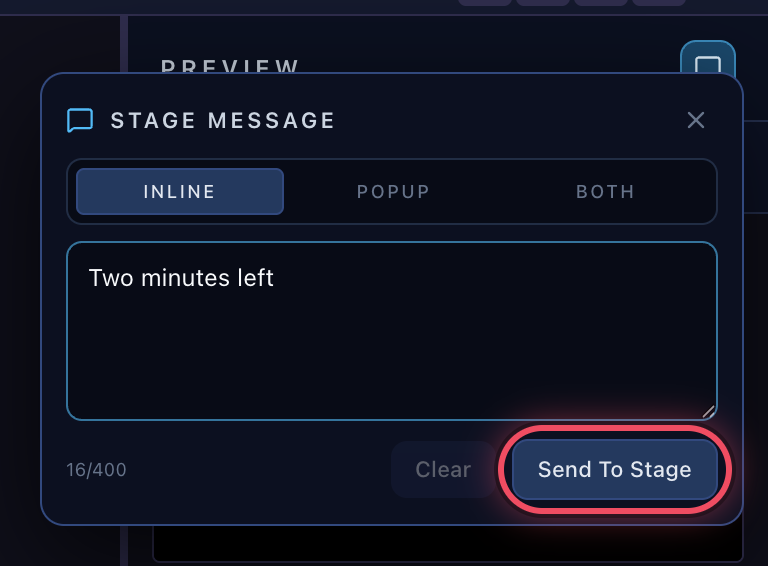
Send a note to the stage
Click the speech bubble at the top of the preview panel, type the note and click Send To Stage. Popup shows it as a large banner that's hard to miss.