Step by step
Short guides for the things a church does every week, each with a picture of every step from StageFlo. For every setting in detail, see the docs.
Screens and looks
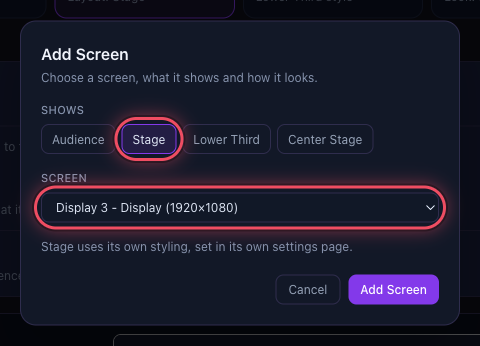
Set up your screens
Put the Audience and Stage outputs on the right screens, once for your room.
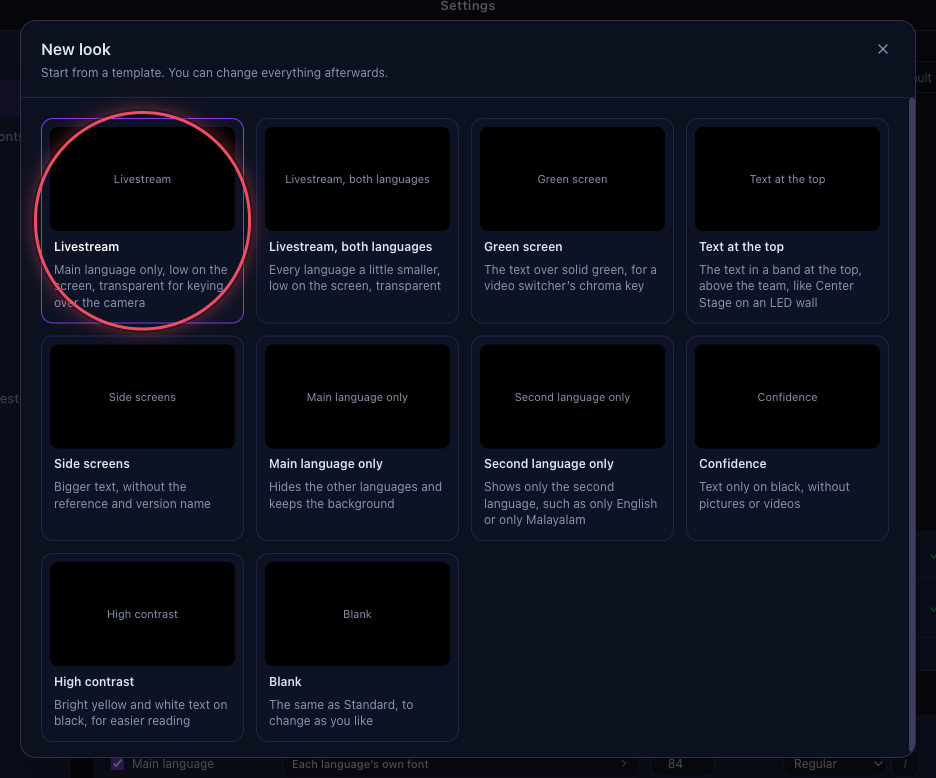
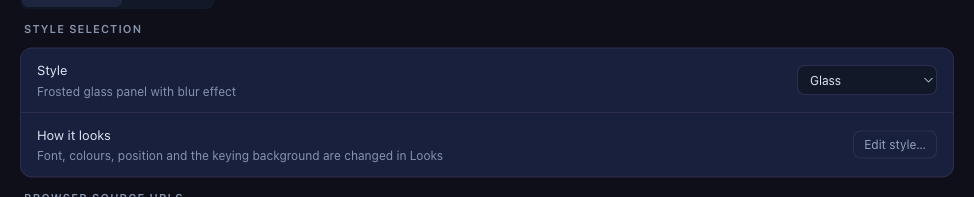
Give the livestream its own look
Show only the main language, low on a transparent background, on the stream.
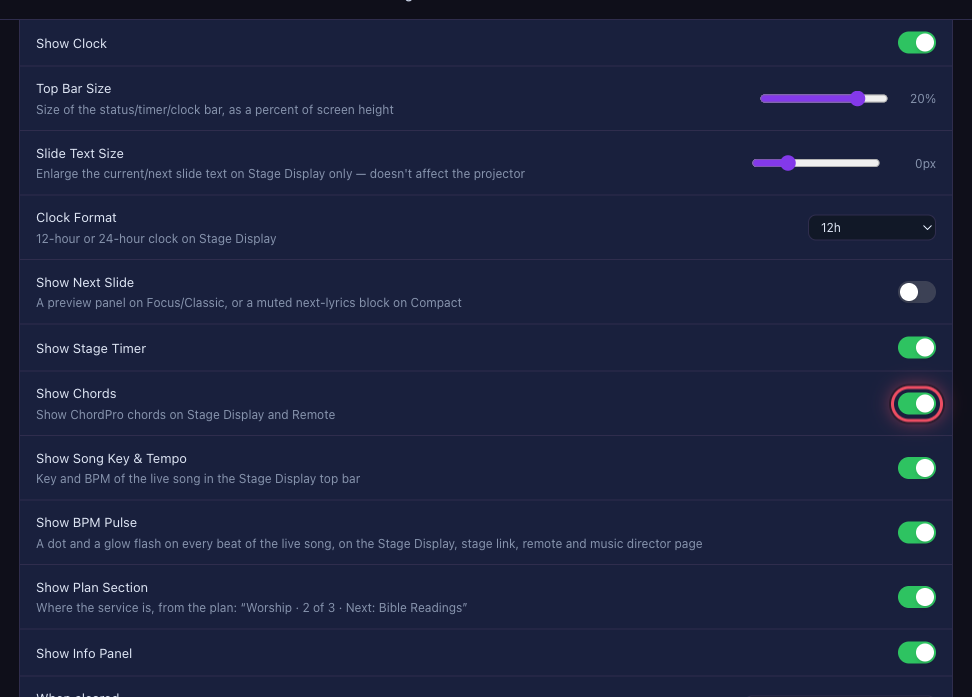
Give the band its own stage screen
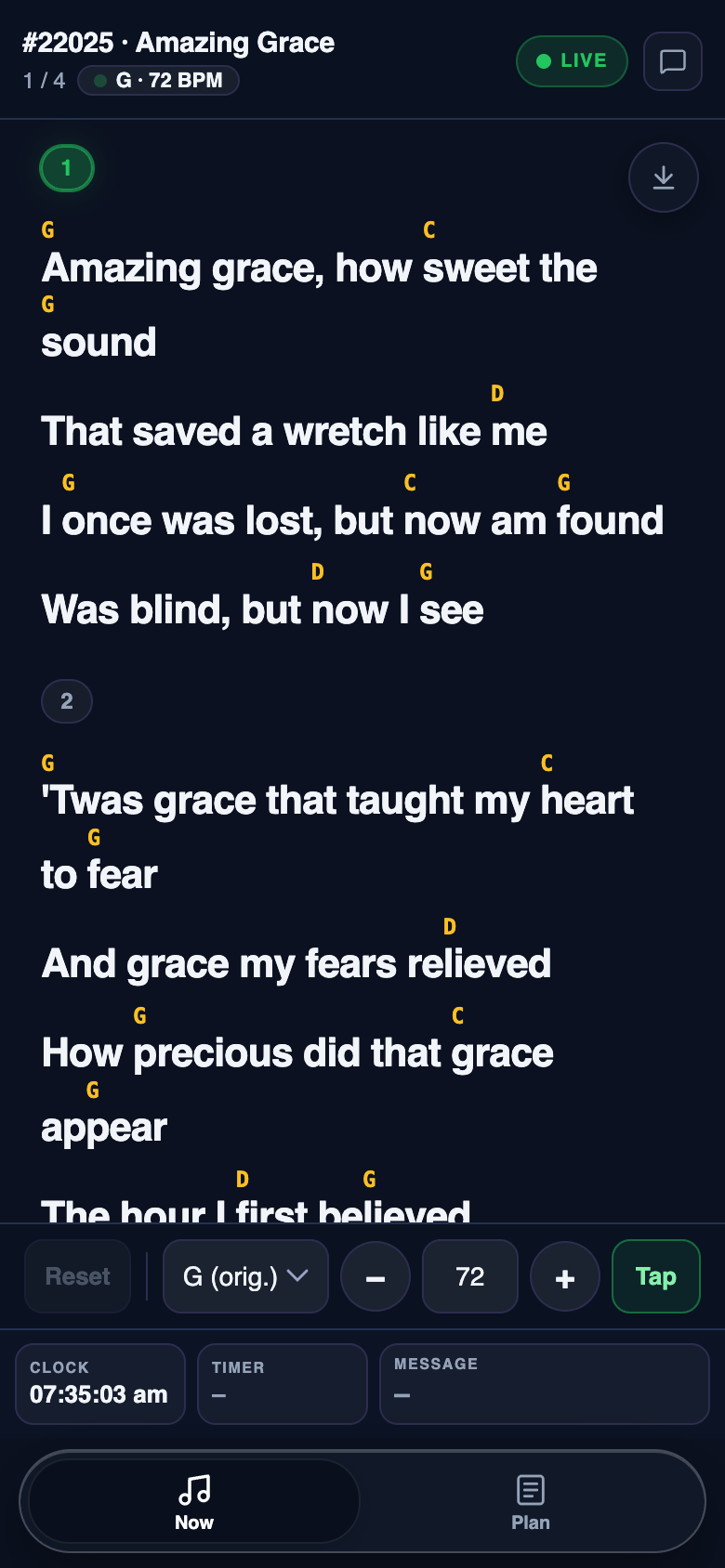
A stage layout with chords for the band, and another for the pulpit.
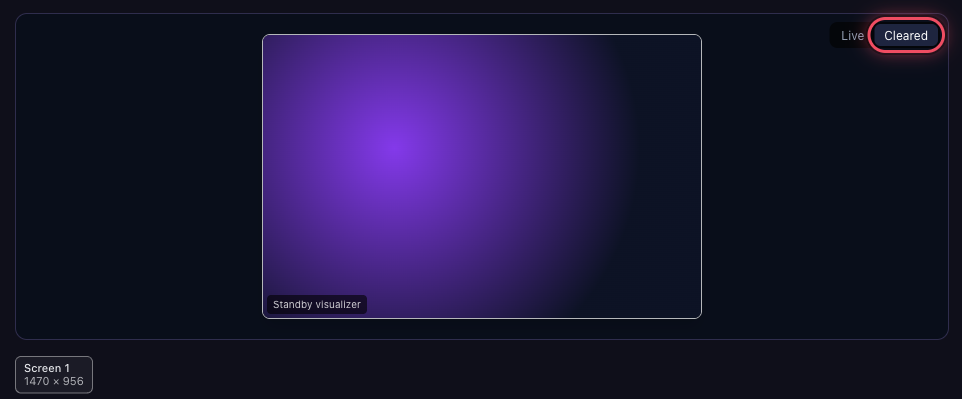
Choose what shows when the screen is cleared
A colour, pictures that take turns, or a moving visualizer between items.
Plans and services
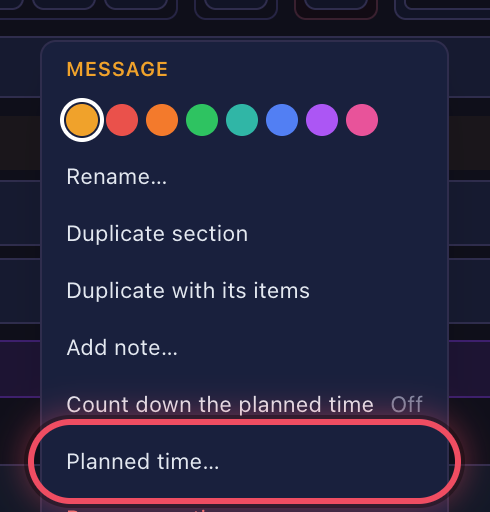
Organise a plan into sections
Worship, Message, Offering: give each part of the service a time and a note.
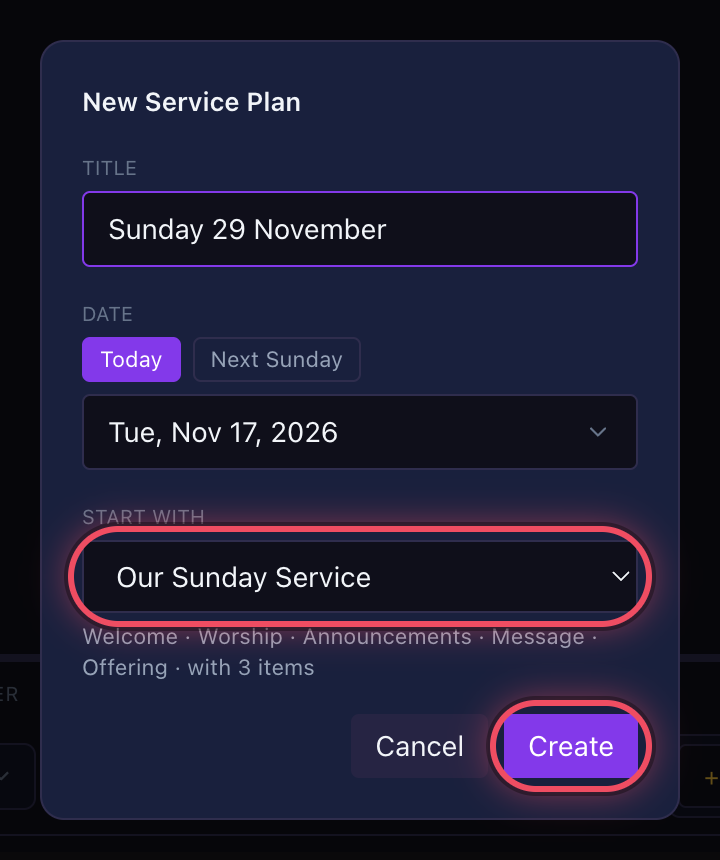
Save your Sunday service as a template
Start each week with the sections, timers and weekly slides already in place.
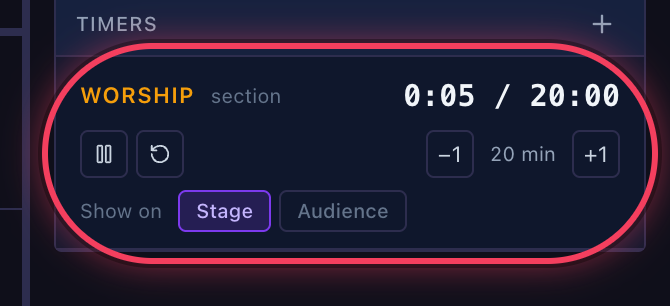
Run the service from the plan
Go live, move through the plan with →, and keep each section on time.

Move a plan to another computer
Prepare at home, run it at church: everything the plan uses comes along.