Set up the music director's phone
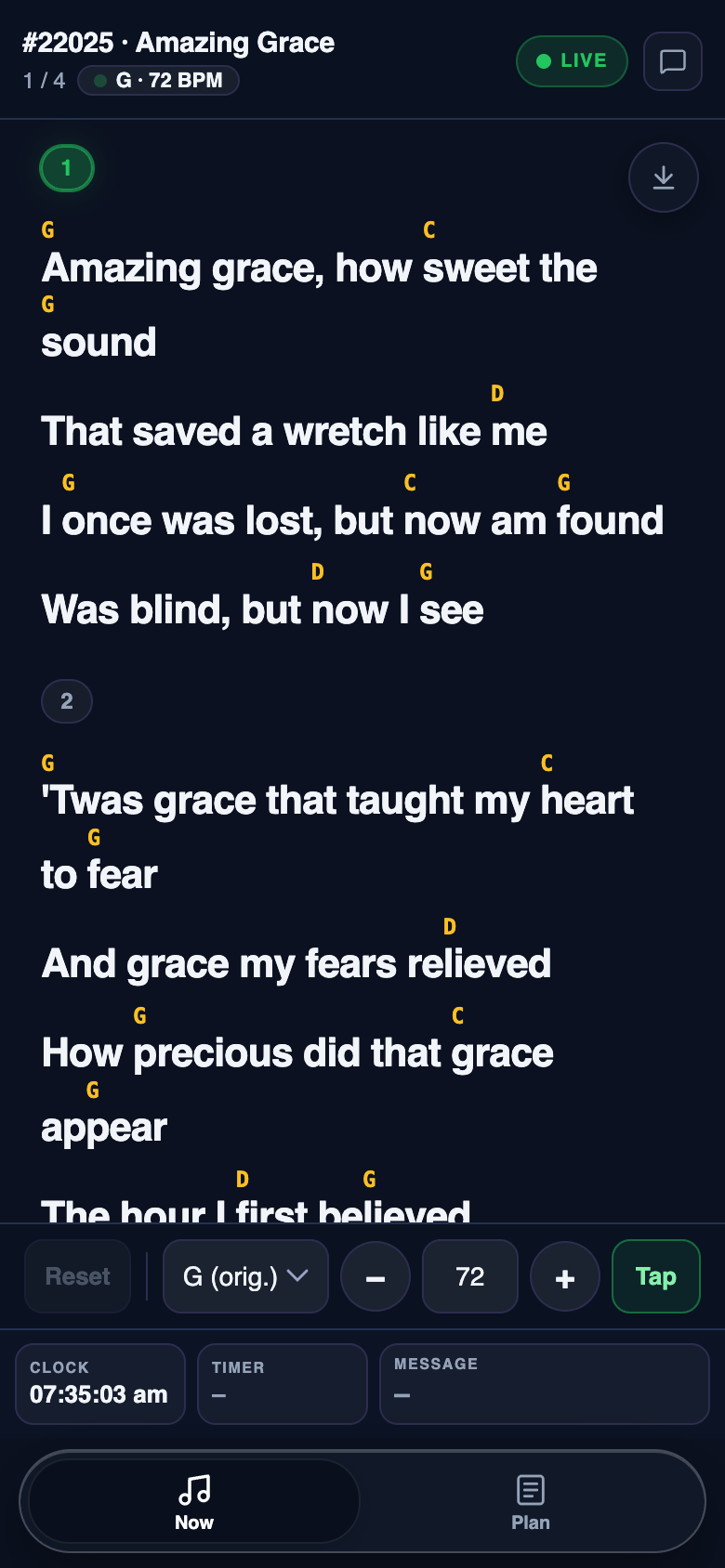
The music director page shows the live song as a chart with chords, and lets the band leader set the key and BPM, live or for songs later in the plan. It can't change slides or the plan.
Set a Music director PIN
In Settings → Remote, under Music director, type a PIN and click Save. Leaving it blank turns the page off.

Open the page and enter the PIN
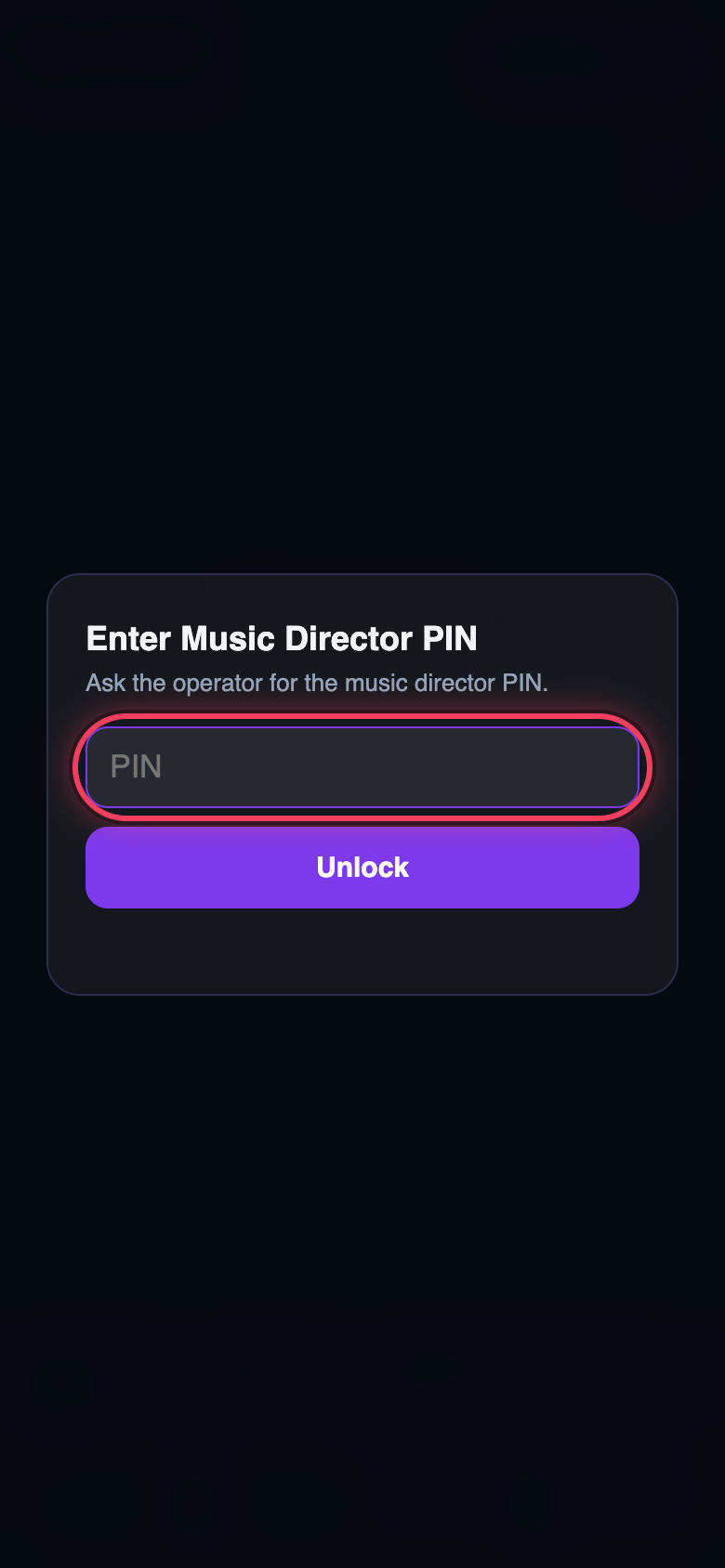
The band leader scans Scan to join, picks Music director, and types the PIN.
Play from the chart
The live song shows with its chords. The bar at the bottom changes the key and BPM, and Tap sets the tempo. The Plan tab sets them for later songs.