Connect the team's phones
Singers can read the words on their phones, the band leader can set keys, and the operator can run slides from a phone. They all start from one address.
Before you start
- Phones on the same Wi-Fi as the computer use Local Network.
- For phones anywhere, use Public Internet for a link such as mac1.stageflo.app.
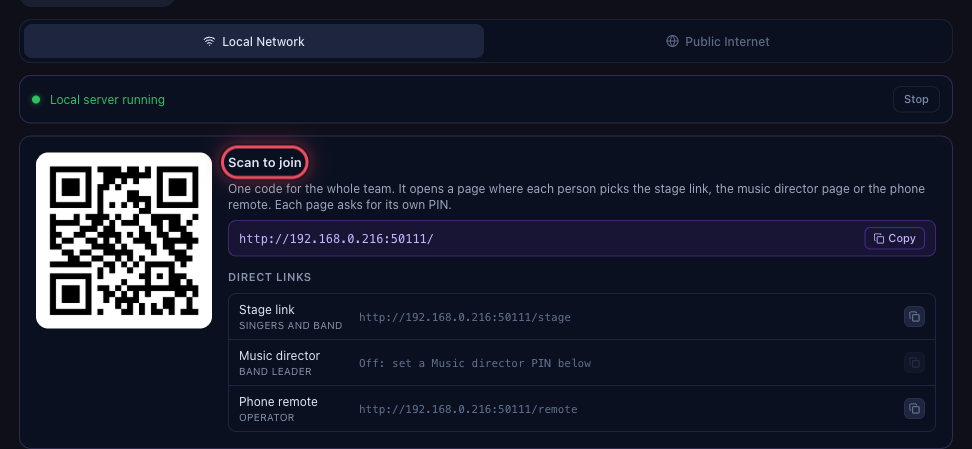
Show the team Scan to join
In Settings → Remote, each person scans the Scan to join code with their phone camera. Direct links under it copy each page's address.
Decide who needs a PIN
The Phone remote PIN protects the controls. Stage link PIN can be the same, No PIN for the singers, or its own PIN. The stage link can only read.

Each person picks their page
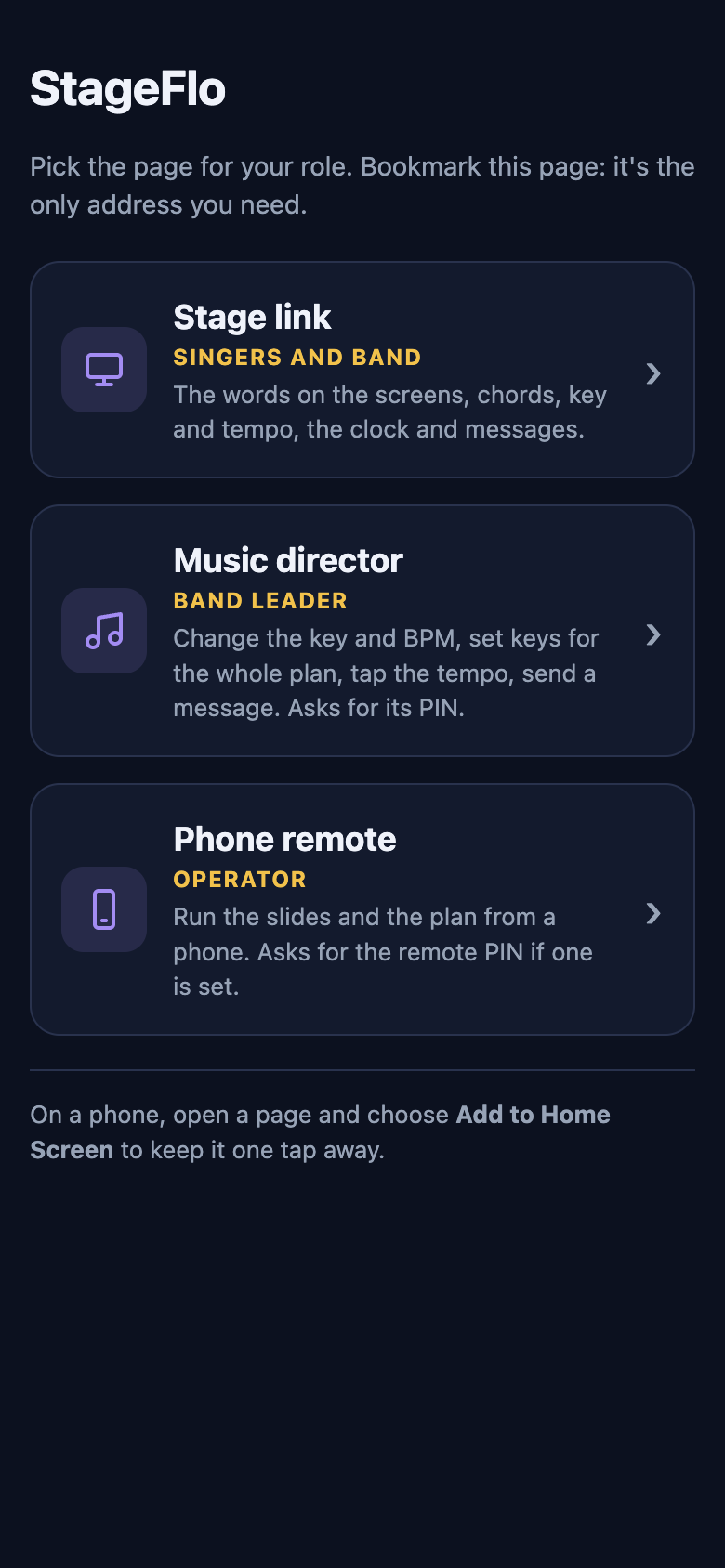
The address opens a page with Stage link for singers and band, Music director and Phone remote. Add it to the phone's home screen to open it like an app.
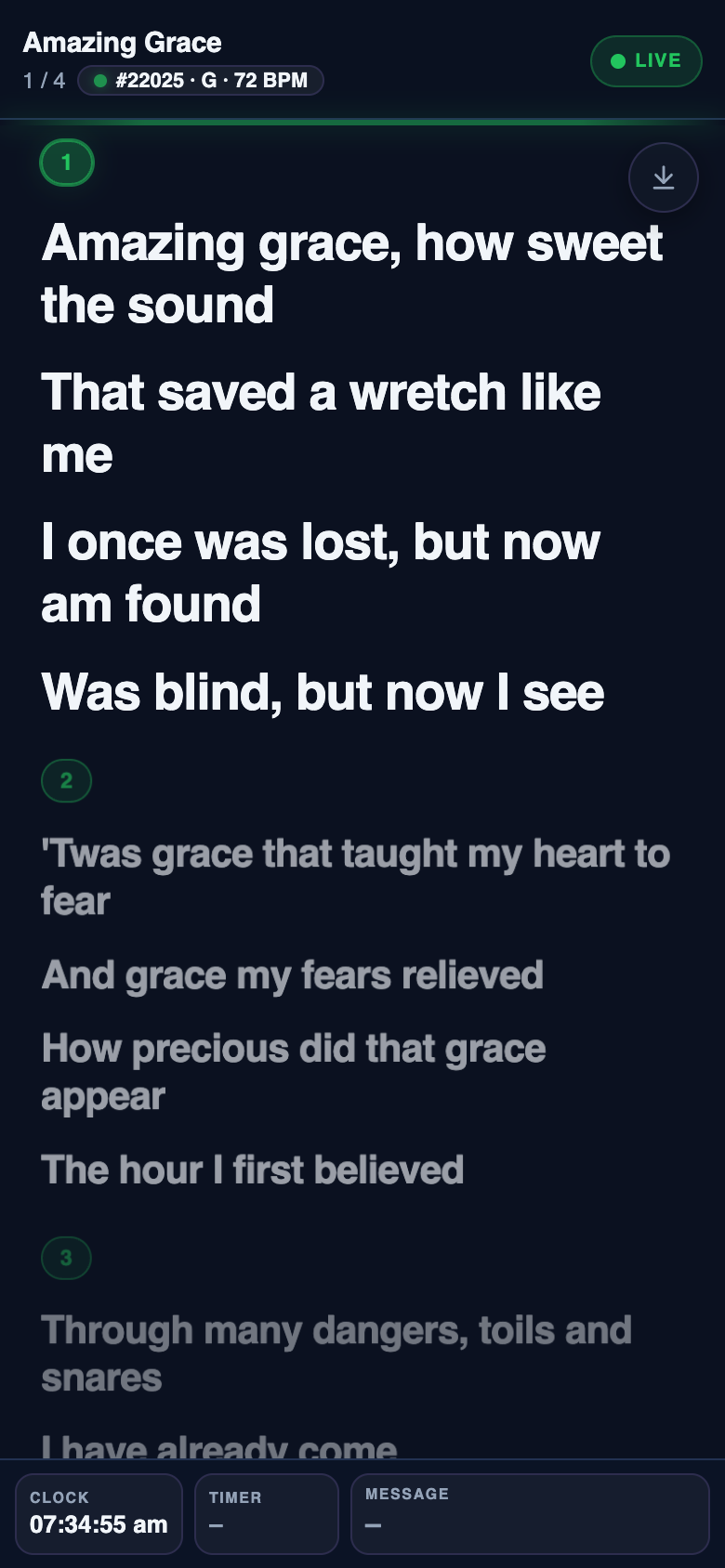
The stage link follows the screens
Singers see the live words, with chords if they're on, and the next slide. It follows the screens, not what the operator has open.