
Put the words on your livestream with OBS
The lower third puts the lyrics and verses along the bottom of your stream. OBS shows it as a browser source, over your camera.
Choose a style
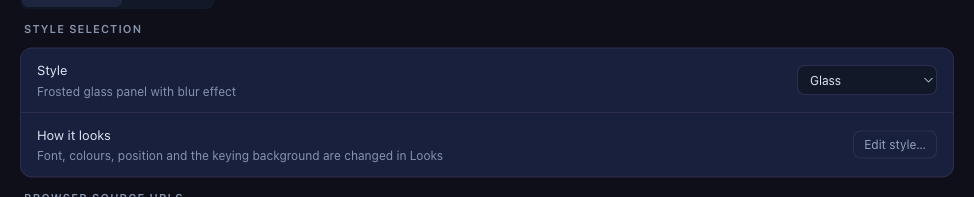
On the Lower Third output's page, pick the Style that's live, such as Glass. Edit style… opens it in Looks.
Copy the Static link
Under Browser source URLs, copy the Static link. In OBS, add a Browser source and paste it. It follows the style you choose, so you only do this once.

Set the background for keying
In Settings → Looks → Lower Third styles, Background for keying is Transparent for OBS, or a solid colour for a switcher that keys a colour.
