
Choose what shows when the screen is cleared
When you clear the screen between songs, the Audience screens show the standby background. Pick something calm that fits your service.
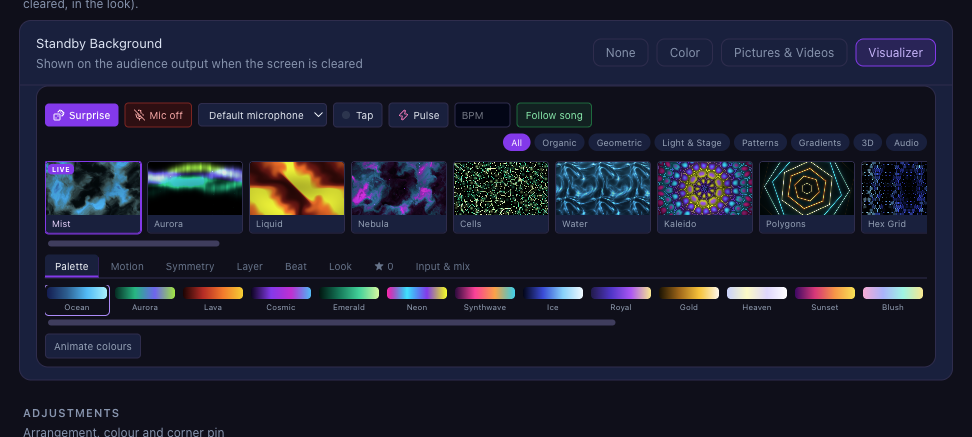
Choose a Standby Background
On the Audience output's page, under When cleared, pick None, Color, Pictures & Videos or Visualizer.

Pick its look
For a visualizer, choose a style and its colours. For pictures and videos, tick the ones to use: several take turns.
Check it with Cleared
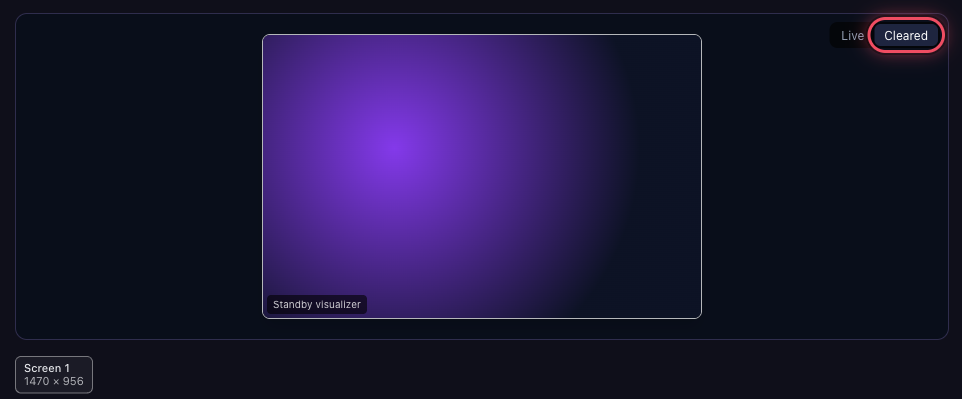
Click Cleared above the preview to see exactly what the screens show when cleared.
 A look with a colour or transparent background, such as Livestream, can keep its own background instead.